Define what has to come back
Start with the data and configuration needed to restart the service: databases, uploaded files, application code, secrets, and deployment settings. Some of these may live outside the server itself. A copy of the virtual machine alone might miss an external database or object store.
Set two targets: how much data you can afford to lose and how long the service can be unavailable. These targets help determine backup frequency, retention, and the level of restore preparation you need.
Keep an independent copy
A snapshot can be convenient for a quick rollback, but it is not a complete recovery strategy. Keep at least one backup copy outside the system or account you are protecting. Restrict access to that copy and document who can retrieve it during an incident.
Check that scheduled jobs completed, that files are readable, and that the oldest retained copy still meets your needs. A dashboard showing a green job is a starting signal, not proof of a successful recovery.
Practice the restore
Restore a representative backup to a separate environment. Verify that the application starts, the database opens, important files are present, and users can complete a key task. Record the steps and the time taken, then repeat after material changes to the service.
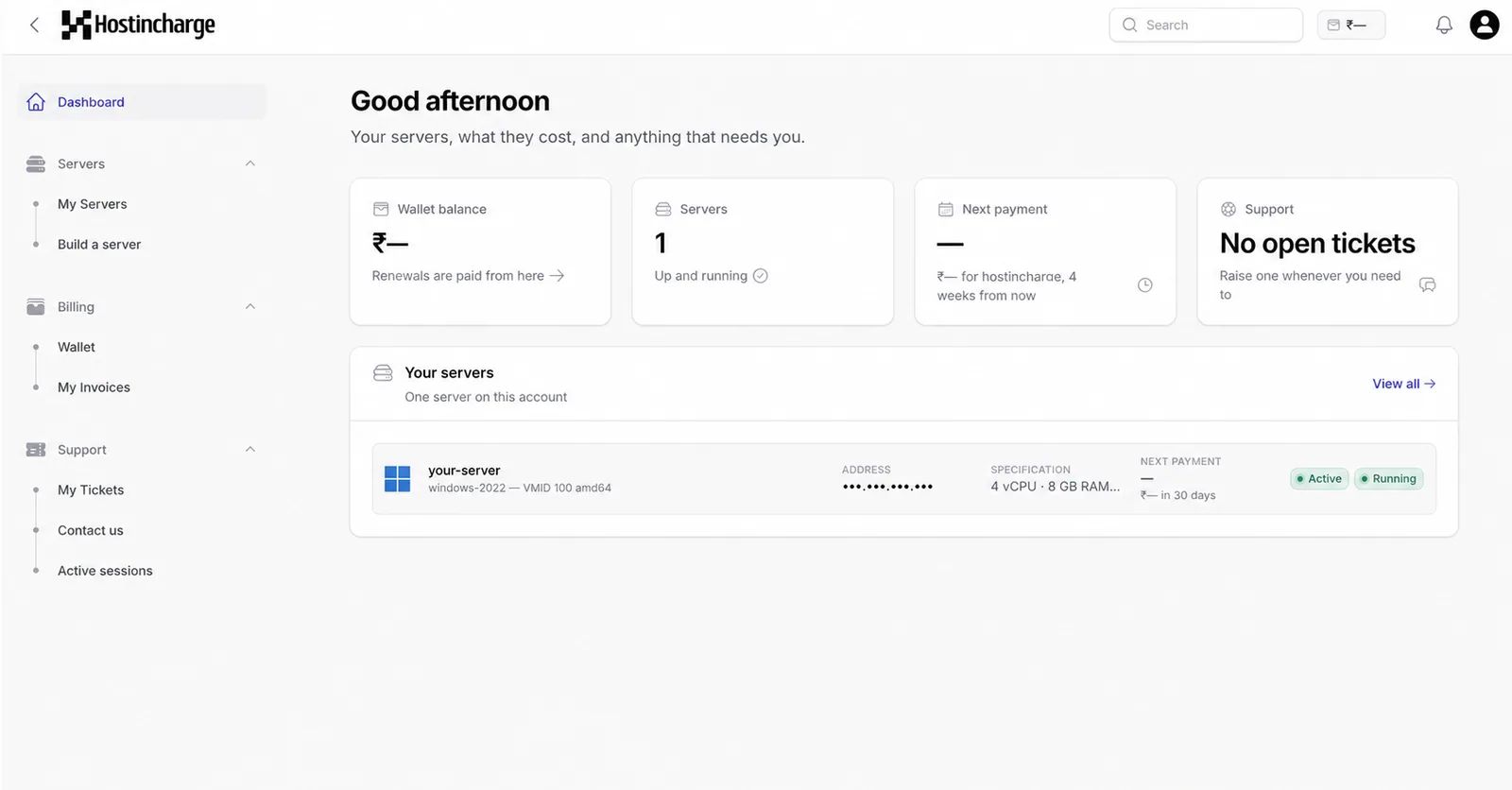
HostIncharge offers backups as an optional add-on for relevant services. Confirm coverage and retention for the selected configuration, and keep an independent recovery copy for critical workloads.